Center of Pressure
Although it may seem to be a basic concept, center of pressure is key to understand. In this tutorial, we explain what center of pressure is, and how it is different from the projection from the center of mass.

A series teaching the principles of Visual3D so you can better understand how to achieve your goals.
For more information or to request a topic visit the Visual3D Principles main page.
Although it may seem to be a basic concept, center of pressure is key to understand. In this tutorial, we explain what center of pressure is, and how it is different from the projection from the center of mass.
For a full understanding your data, how to perform calculations, and knowing what they mean, it is fundamental to know what the Visual3D default joint angle conventions are. In this tutorial we give an overview of the conventions for the lower body.
The complexity of joint angle calculations is made all the more challenging when the joint in question is the ankle. In this tutorial, we discuss why the ankle is complex, and some of the methods to calculate it with reasonable results.
Throughout biomechanics literature, you will find a variety of ways to calculate joint kinematics. One of the most widely accepted is put forward by the ISB and is called the Joint Coordinate System. In this video, we explain the basics of what a joint coordinate system is, and how it can be defined.
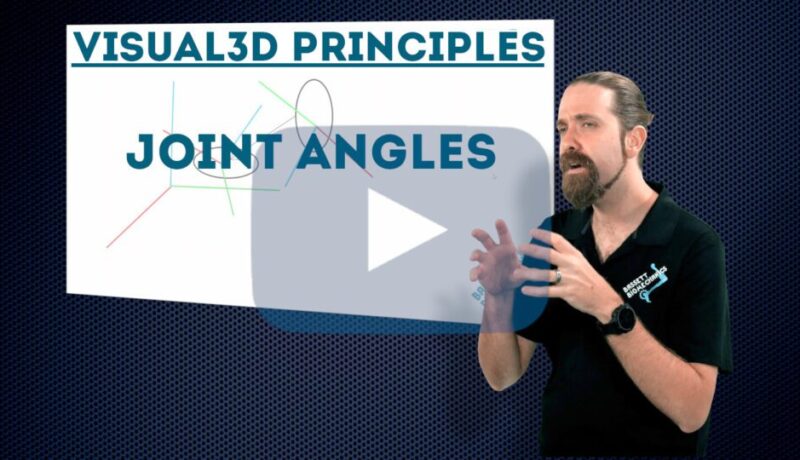
Scientifically validated biomechanical data is essential for confidence in your results. One of the most basic – but critical – calculations to be performed is that of the joint angle. In this tutorial, we discuss the theory behind how Visual3D processes your marker data to obtain the angle between two segments.
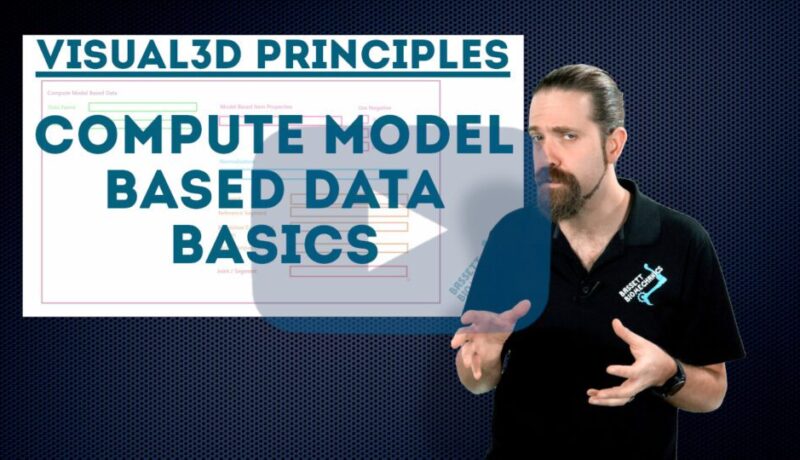
Using Visual3D to calculate biomechanical values from your model is one of the most important features in the software. In this tutorial, we cover the basics of using Compute Model Based Data window.
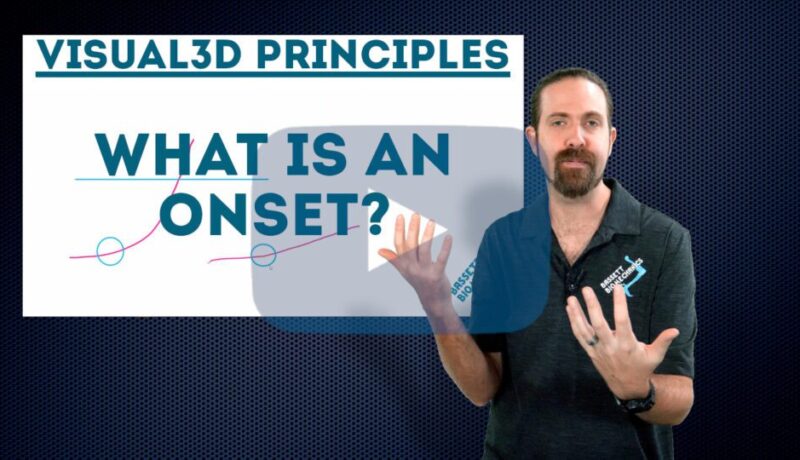
A useful type of event for your automated pipelines could be based on the onset of a signal. In this tutorial we explain what an onset is, how it can be a useful tool, and how it is different for a threshold.
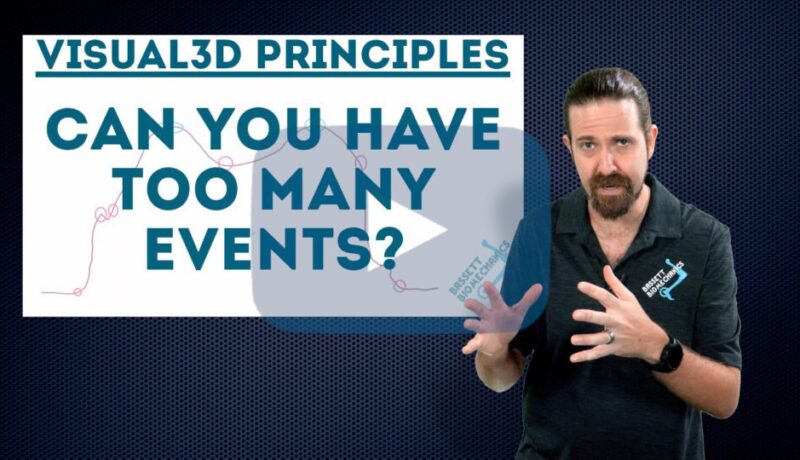
In this tutorial we explore whether or not you can have too many events. We are focusing on the use of events within Visual3D by users
Events aren’t always easy to identify from the data itself, however, we can use pattern recognition to get around the problem. In this tutorial, we explain how to use target pattern recognition to use identify events based on patterns with events elsewhere in the same trial or in other trials.
A more robust way of identifying only the events you want, is to use event sequences. This tutorial explains what an event sequence is and how to use one to your advantage.