Kinetic-Kinematic Data
The Kinetic_Kinematic data folder in Visual3D is automatically generated when a biomechanical model is built. In this tutorial, we talk about what each item means.

A series teaching the principles of Visual3D so you can better understand how to achieve your goals.
For more information or to request a topic visit the Visual3D Principles main page.
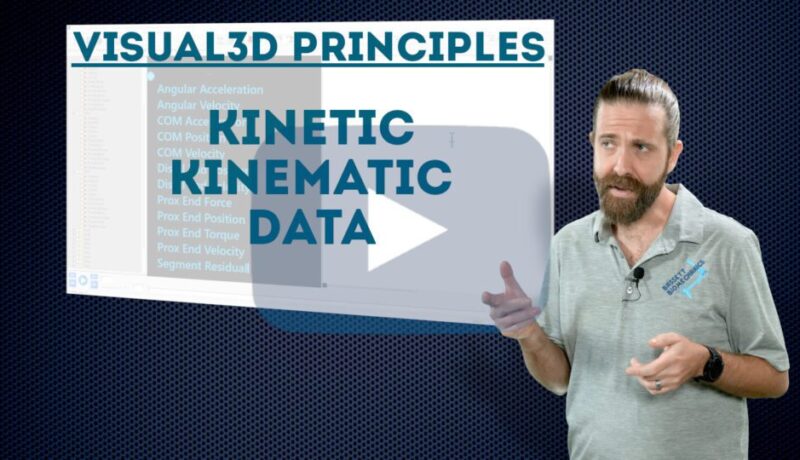
The Kinetic_Kinematic data folder in Visual3D is automatically generated when a biomechanical model is built. In this tutorial, we talk about what each item means.
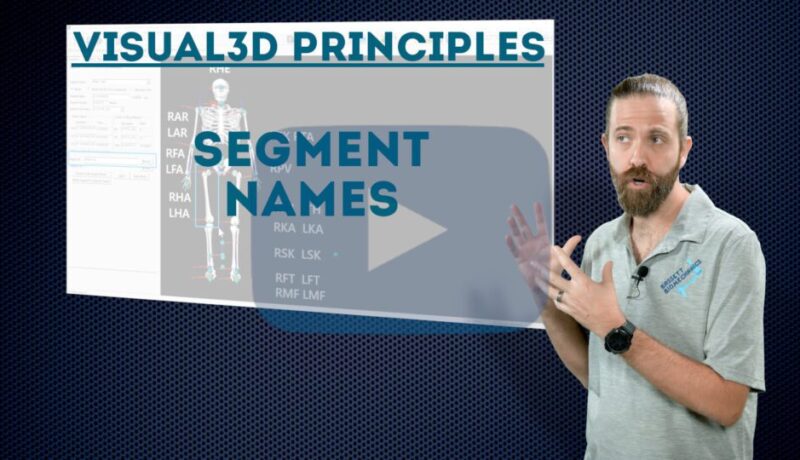
Segments are a fundamental part to Visual3D. From defining them, to tracking them, to performing calculations with them, if you are using Visual3D, you will be using segments. In this tutorial, we go through the short names within the software that are used for the various body segments.
In this tutorial, we explain what model angular momentum is, and how it applies to the full biomechanical model in Visual3D.
In this tutorial, we explain what a model moment of inertia is, and how it applies to the full biomechanical model in Visual3D.

Segment progression angle is an interesting method of calculating the angle between a segment and the direction of motion. Typically used for foot kinematics, but could be useful in other ways.
The center of gravity could be a key data point for a project you are working on, or possibly, a stepping stone to calculate another piece of information. In this tutorial, we explain what a model center of gravity is, and how it is calculated in Visual3D.
An often overlooked fact in motion capture, is that segment position is based on the best estimation from marker locations. Of course, due to soft tissue artifacts, the fit of the segment tracking may change throughout the motion. Although, this may not be the type of data you would report to patients or subjects, it could be a valuable piece of information to evaluate the quality of your data.
In simplified terms, momentum is a quantification of a body’s tendency to remain in the state it is in. As the product of mass times velocity, it is an obvious value to consider in biomechanics. Using Visual3D, it is possible to easily calculate linear and angular momentum.
Using Visual3D, it is possible to calculate Potential, Rotational, and Translational Energy. In addition, it is also possible to calculate the total energy. In this tutorial, we explain how those calculations are performed.
Segment velocity is an interesting biomechanics parameter, particularly for sports applications. In this tutorial, we focus on what segment velocity actually is, the different ways we can report it, and the meaning of the associated data.